Real device · real number · real IP

Give your agent
a real phone.
It just
works.

A real, stock Android device — real SIM, real number, real carrier IP, and a human-grade finger — driven in plain language over MCP and REST. Nothing to install on the device, no brittle automation layer to babysit. Your agent taps, types, reads its codes, and gets the task done on real apps.

Get timed trial
drive it with
  • Claude
  • OpenAI
  • Gemini
  • Llama
  • Mistral
  • DeepSeek
  • Qwen
  • + any model
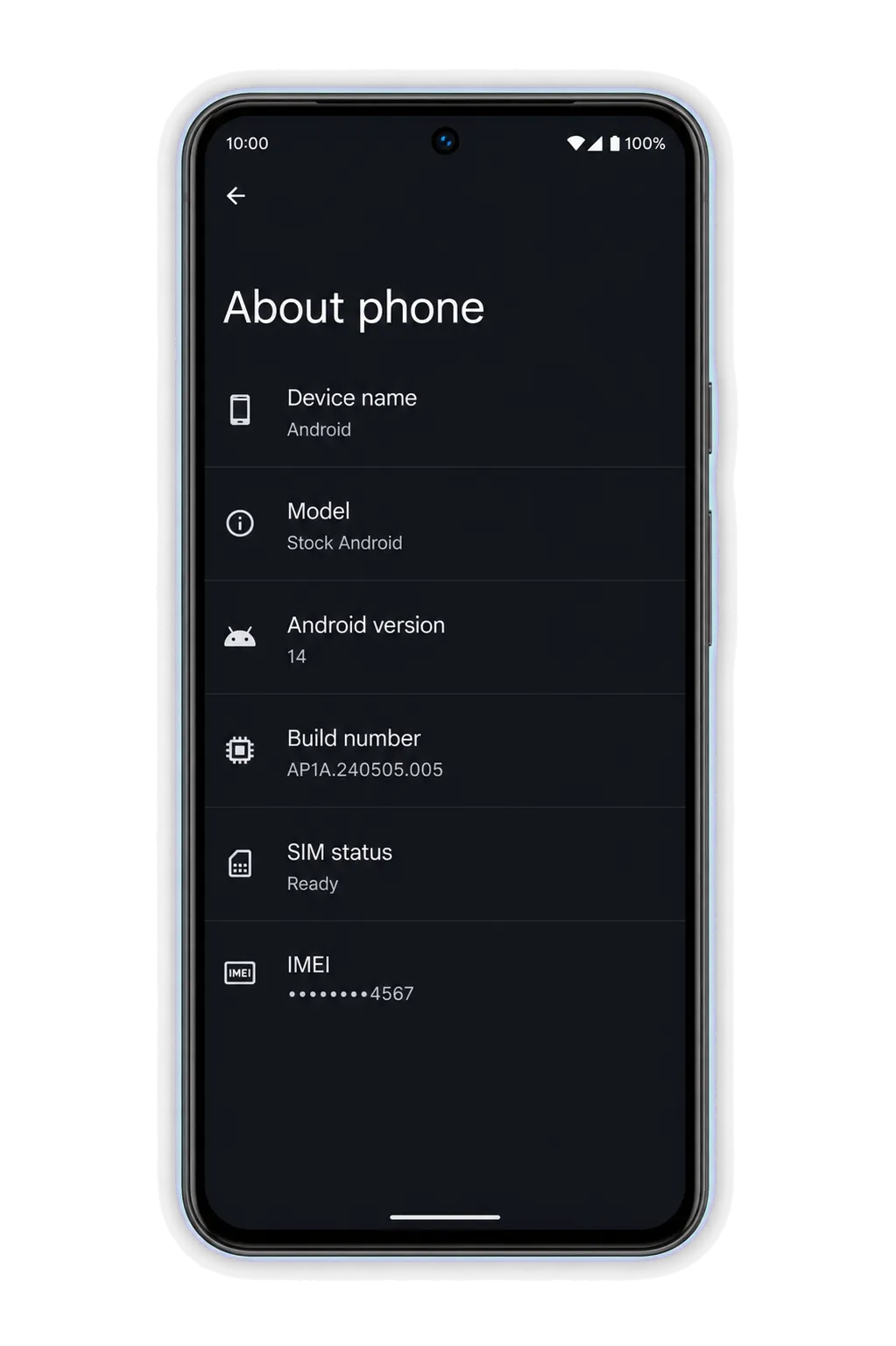
A floating black Android phone with a dark glass screen
Connect

Connect your agent in one line.

Add a real phone as a remote MCP server to any client — or call the REST API from any language. Peek at /v1/catalog first for live stock, regions and latency. No auth to look.

01

Connect over MCP

add a real phone as a remote MCP server
claude mcp add --transport http androidmcp \
  https://api.androidmcp.com/mcp \
  --header "Authorization: Bearer $ANDROIDMCP_KEY"
works in Claude CodeCodexCursorWindsurfCline
02

Or call the REST API

plain HTTPS, any language
API=https://api.androidmcp.com

# lease a clean phone
curl -X POST $API/v1/sessions \
  -H "Authorization: Bearer $ANDROIDMCP_KEY"
# -> { "session_id": "sess_01J9", "android_api": 13 }

# drive it by description
curl -X POST $API/v1/sessions/sess_01J9/tap \
  -H "Authorization: Bearer $ANDROIDMCP_KEY" \
  -d '{ "target": "the Like button" }'
every action returns the live screenshot + a structured result.
Capabilities

One phone, an entire stack.

A real phone with a real OS, SIM and number isn't one tool — it's a dozen at once, and your agent reaches for any of them in the same session.

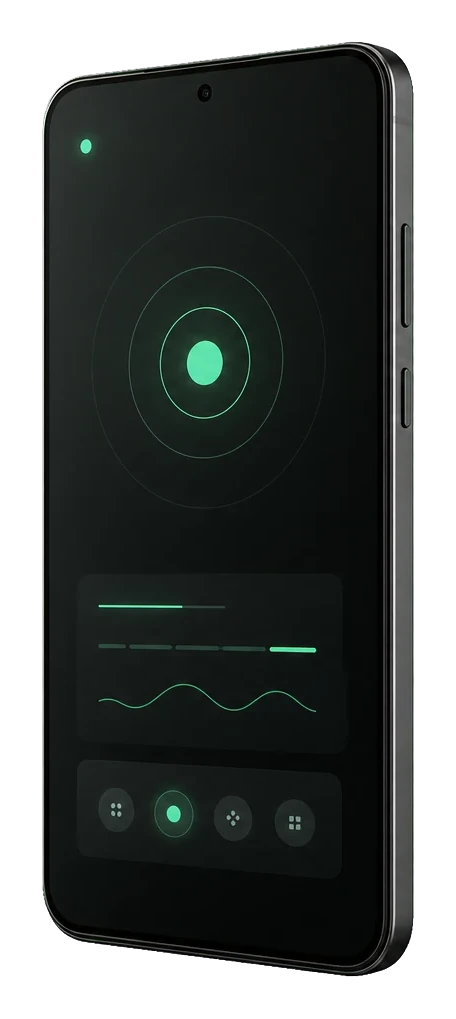
A floating Android phone showing a minimal live-control interface
Compatibility

Drive it from anything.

No SDK lock-in. Connect over MCP from any client, or REST from any language — and it doesn't matter what model is holding the leash. Perception, grounding and verification are ours; you just say what should happen.

Three floating black Android phones in a clean stack
models
agent platforms
Why us

The phone stays ordinary.

Apps inspect the device they run on. AndroidMCP keeps the agent, planner and automation layer outside that boundary, while the phone remains stock: real OS, real SIM, real carrier, normal touch.

external control plane
Agent intent and decisions
AndroidMCP grounding and verification
Hardware input ordinary screen events
device boundary
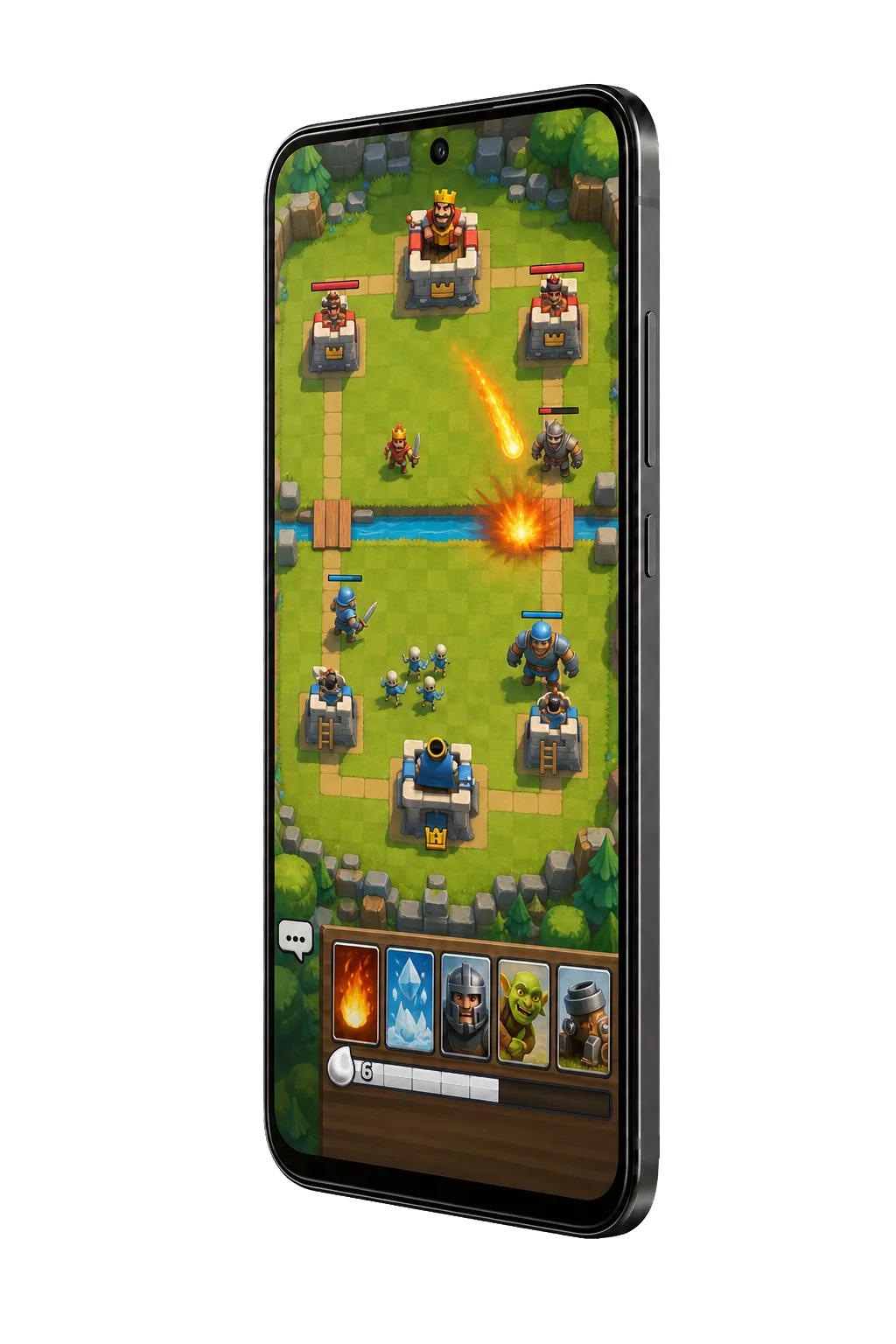
Floating stock Android phone running a native mobile arena game
on the phone

Stock Android surface

  • Real SIM and carrier IP
  • Native screen capture
  • Real hardware touch input
  • Nothing to install on the device
Use cases

Pick your task. The answer is always us.

FAQ

Questions agents (and their humans) ask.

Why is this more reliable than accessibility-based automation?

Because the input is real hardware touch and the screen is read by the OS's own capture, there's no on-device automation layer to install, maintain, or have break on the next app update. Native apps behave normally, and the same setup works across apps without per-app scripting.

Real device or an emulator?

A real, stock, never-rooted Android phone with a real SIM — a genuinely physical device, not an emulator or a cloud-Android VM. That's why the sensors, telephony and network are all real.

Which models can drive it?

Any of them. Vision or text-only, frontier or an 8B running on a laptop. You express intent in plain language; the platform handles perception, grounding and verification. Connect over MCP from any MCP client, or call the REST API from any language.

How is this different from mobilerun or Browserbase?

mobilerun drives the phone through an on-device accessibility service you install and maintain. Browserbase is a web browser — it can't open a native app, receive an SMS, or make a carrier call. We use external hardware input and the OS's own screen capture, so there's nothing to install on the device and native apps just work.

Can it receive SMS and make phone calls?

Yes. Every phone is a real number on a real carrier: it reads one-time codes and texts, and places and answers real voice calls with an audio path the agent can hear and speak on.

How do I connect?

Add it as a remote MCP server in one line (claude mcp add …), drop a mcpServers block into Claude Desktop / Cursor / VS Code, or call the REST API directly. Query /v1/catalog first to see live stock, regions and latency — no auth required.

Waitlist

Not ready to connect a key? Get on the list.

Leave your email and we'll reach out when a phone in your region opens up, or when we ship the plan you're after — no spam, just a note when it's ready.

Give your agent a phone.

Real device. Real SIM. Real carrier IP. Real results.

$ Get API key Read the llms.txt